Frequently Asked Questions
Cook A Dish is currently available on Android. Download it for free from Google Play and you'll be cooking your first dish in minutes!

Yes! You can save any recipe to your favorites by tapping the heart icon. All your saved recipes will be accessible in the "Favorites" section, making it easy to find and cook your go-to dishes.
Cook A Dish is completely free to download and use. You get access to all features and recipes without any subscription or hidden fees. We believe everyone should have access to great recipes!
We love hearing from our users! Use the contact form on this page or email us at [email protected]. We review all feedback and use it to improve the app.
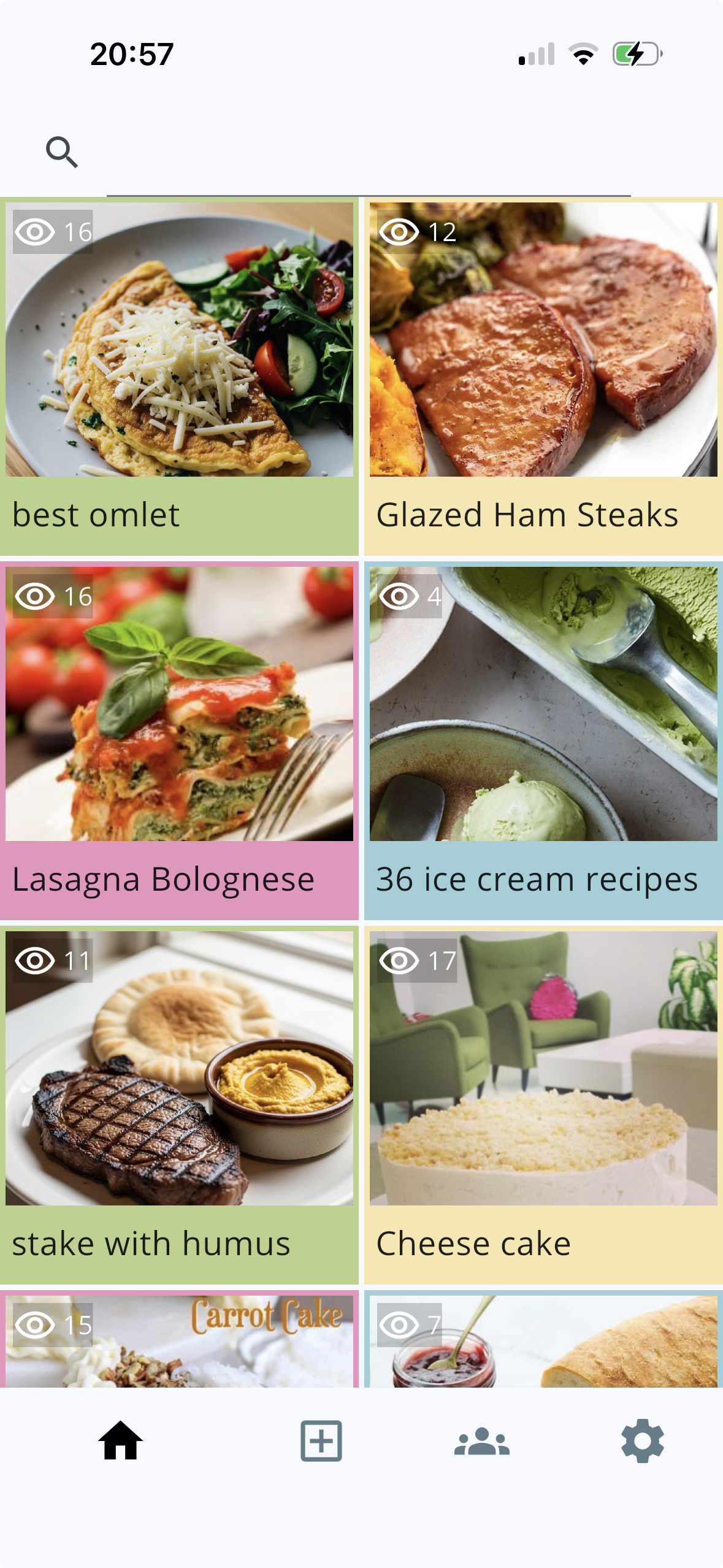
My Cookbook is your personal recipe collection. Tap the home icon (the leftmost tab at the bottom of the screen) to open it. Here you'll find all the recipes you've added, displayed as a grid of cards — each showing a photo, the recipe name, and how many times it's been viewed. Tap any card to open the full recipe.
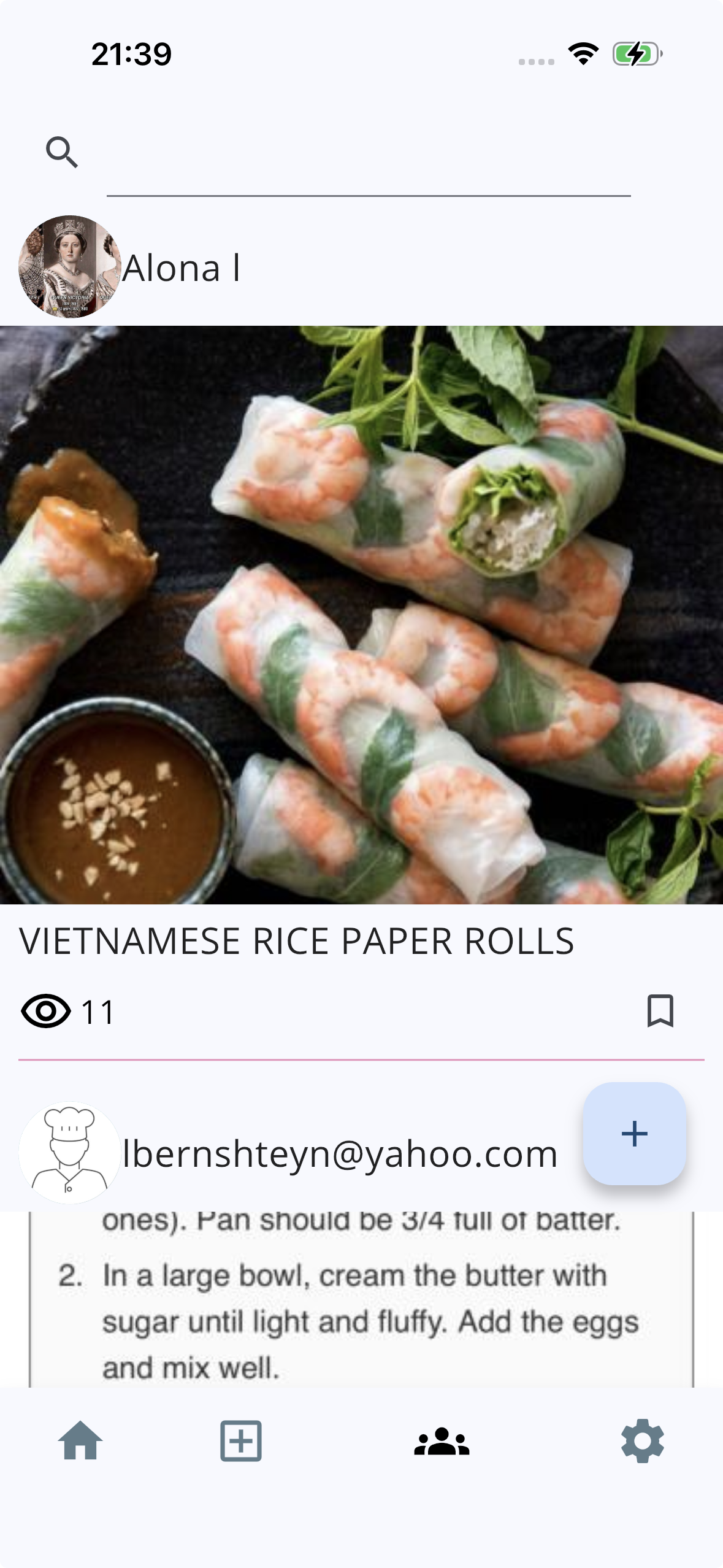
Tap the community icon — the third tab from the left at the bottom of the screen (it looks like a group of people) — to browse the Community feed. There you can scroll through recipes shared by other Cook A Dish members, see who posted them, and save any that inspire you to your own cookbook.
Get in Touch
Or email us at [email protected]